UPC Label Generator: barcode labels that scan
A free browser tool that turns the UPC numbers you already own into correctly sized, print-ready barcode labels for sheets and thermal rolls.
- 18 label stocks, plus custom sheets and rolls
- 250 labels per PDF, free
- 0 sign-ups or watermarks
- PDF · PNG · SVG download formats
What UPC Label Generator does
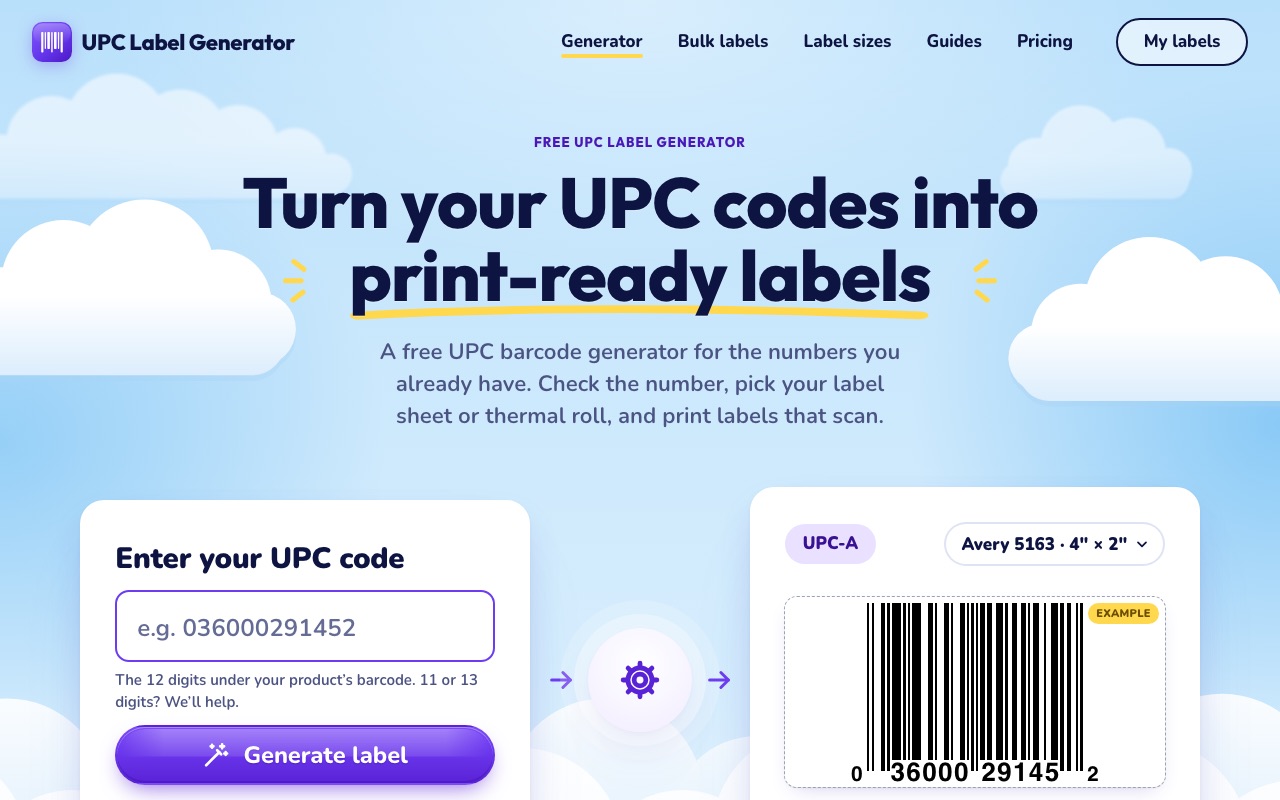
UPC Label Generator is for sellers who already have UPC numbers and need labels that print at the right size and scan first time. Type or paste a 12-digit UPC-A, pick your label stock, and download a PDF that prints at exact size on Avery-style sheets or a thermal label printer.
It checks every check digit, keeps leading zeros that spreadsheets like to drop, and sizes the barcode within GS1 rules for UPC-A (80% to 200% magnification, quiet zones kept, bars never stretched). Bulk labels come from a pasted list, a CSV or an Excel file, including Shopify product exports.
Everything runs in your browser. Your product list is never uploaded, and there is no account to create.
-
Check-digit validation
Every UPC is checked as you type. Suggested fixes, such as a leading zero a spreadsheet dropped, apply only when you accept them.
-
Correct barcode sizing
Barcodes follow GS1 sizing for UPC-A: 80% to 200% magnification, full quiet zones and bars that are never stretched.
-
Sheets and thermal rolls
18 common stocks, including Avery 5160, 5163 and L7160 sheets and 2.25 × 1.25 in and 2 × 1 in thermal rolls, plus custom sizes.
-
Bulk from Excel or CSV
Paste a list or upload a CSV or Excel file, map the UPC column, set quantities and print every label in one PDF.
-
Printer alignment
A printable calibration page lets you nudge the layout so labels line up on your own printer. Profiles are saved for next time.
-
Saved products, no account
Save products, printer profiles and past jobs in your browser, then reprint a job in two clicks.
How it works
Three steps, in your browser. No install and no sign-up to start.
-
Step 1: Enter your UPC
Type a 12-digit UPC-A or paste a list. The check digit is verified straight away.
-
Step 2: Pick your labels
Choose an Avery-style sheet or a thermal roll. The preview shows the barcode at real size.
-
Step 3: Download and print
Download the PDF and print at 100% (Actual size). Run the calibration page once if the labels sit off-centre.
Who it is for
- Shopify, Etsy and wholesale sellers labeling their own products
- Amazon sellers who need retail UPC labels (FNSKU labels are a separate, planned feature)
- Small warehouses and makers printing on Avery sheets or a thermal printer
- Anyone who bought UPC numbers from GS1 and now needs the barcodes
A good fit when…
- You already have UPC-A numbers and need printable barcode labels quickly.
- You want labels that print at the correct GS1 size on a specific Avery sheet or thermal roll.
- You have a spreadsheet of products and want every label in one PDF.
- You do not want to install software, create an account or upload your product list.
How it compares
- Generic online barcode generators
- Most give you one barcode image to place yourself. UPC Label Generator lays out whole sheets or rolls at exact print size, checks check digits and handles bulk lists.
- Word or spreadsheet mail merge with a barcode font
- Barcode fonts do not calculate check digits or control quiet zones, and the result often scales when printed. Here the PDF is drawn at exact size.
- Desktop label design software
- No install, no license and no account. It does one job, UPC labels, and runs in any modern browser.
What it does not do
- It does not issue, sell or look up UPC numbers. Real UPCs come from GS1 (or your supplier).
- It is not affiliated with GS1, Amazon or any retailer, and a valid check digit means the format is right, not that the number is registered.
- It makes UPC-A labels. Amazon FNSKU labels and synced cloud storage are part of a planned Pro plan, not available yet.
- Label stocks use manufacturer dimensions. Print one test sheet before a large run.
Pricing
Free, with no sign-up and no watermark: up to 250 labels per PDF and as many PDFs as you like. A Pro plan ($10/month: synced products, bigger batches, FNSKU labels, team workspace) is planned and has a waitlist; it cannot be bought yet.
Privacy
Labels are generated in your browser. UPC numbers, product names and spreadsheets are not uploaded. Saved products, printer profiles and job history stay in your browser on that device.
Popular pages on upclabelgenerator.com
- Free UPC label generator Make one label or a full sheet from a single UPC.
- Bulk barcode generator Paste or upload many UPCs, set quantities, print one PDF.
- Barcode generator from Excel Upload an Excel or CSV file and print a label for every row.
- UPC validator and check digit calculator Check a UPC or work out its check digit, step by step.
- UPC label sizes Which sheets and rolls fit a scannable UPC, and the largest barcode each holds.
- How to print UPC labels that scan Stock, print settings, calibration and a phone scan test.
- UPC vs FNSKU Which Amazon barcode you need, and when.
UPC Label Generator: common questions
Is UPC Label Generator really free?
Can it give me a UPC number?
Which labels can I print on?
Will my barcodes scan?
More tools from EMD
Certificate of Authenticity Template
Create a professional certificate for your artwork or product.
Launching soon Details
Ready to try UPC Label Generator?
It is free, it runs in your browser, and the first result takes about a minute.
Open upclabelgenerator.com